START WITH WHAT THE WEBSITE NEEDS TO DO
What are you building?
A school, a bakery, a neighborhood coffee shop. Different people, different jobs, different visual voices.
Real-world contexts, illustrated by fictional working demos. Each case separates what works here from production integrations.
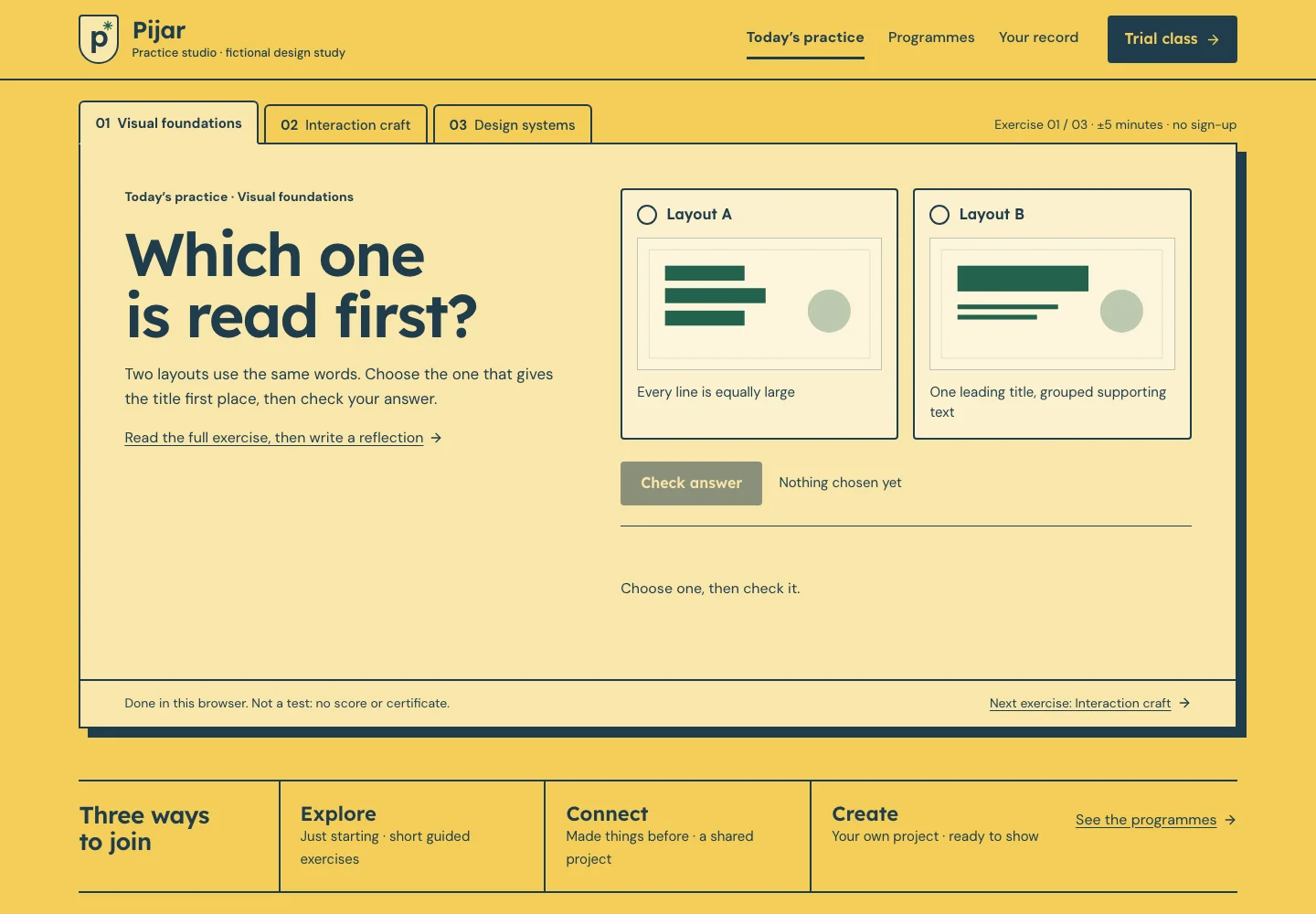 Pijar Academy
Courses
Try one exercise, compare levels and tracks, and take a learning plan away.
For: Independent learners and course creatorsPijar AcademySchool
Help families understand the programmes and prepare a trial class.
For: Families & future students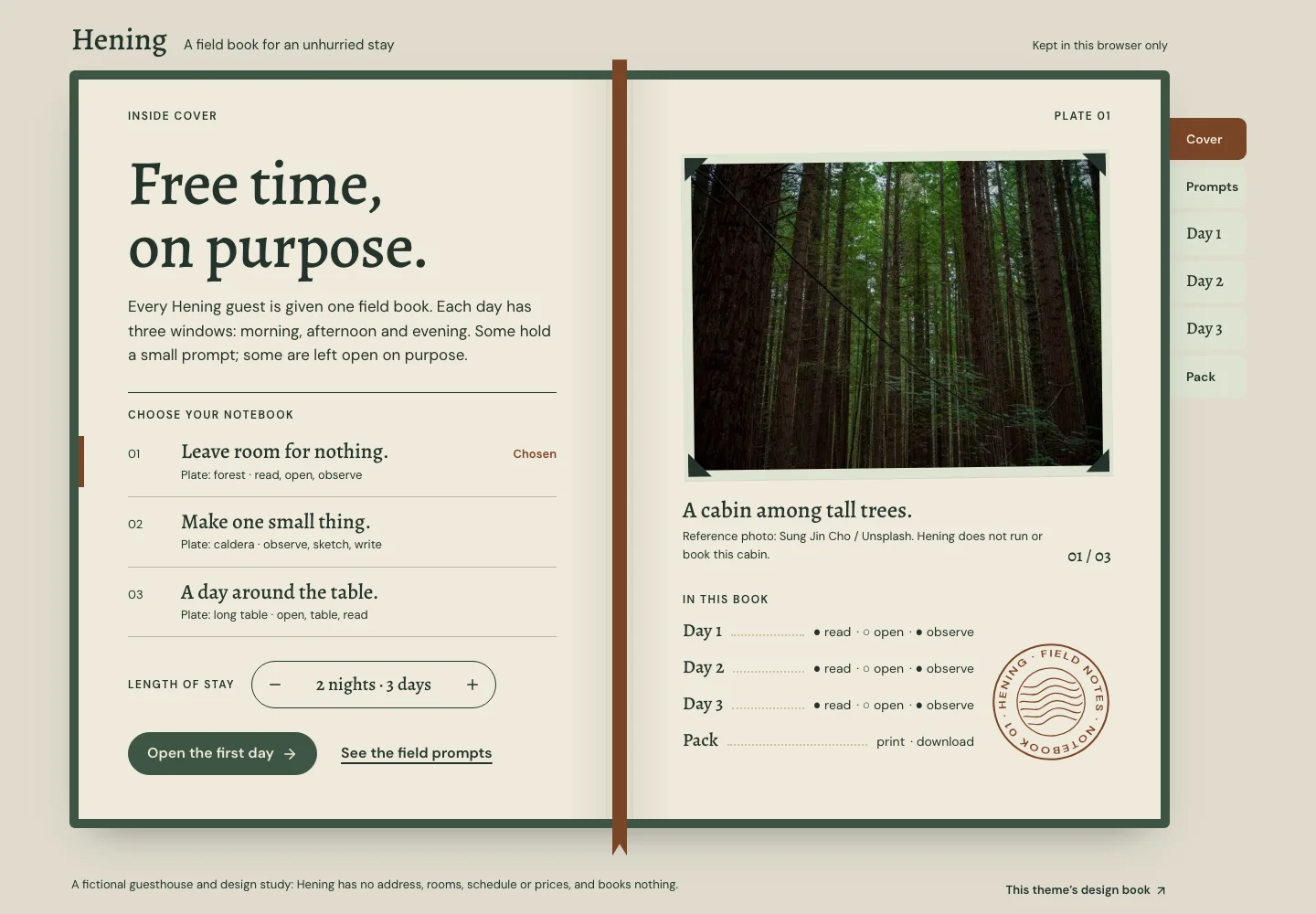 Hening Retreat
Retreat
Choose a notebook, fill the days and take a pocket book.
For: People preparing a quieter stay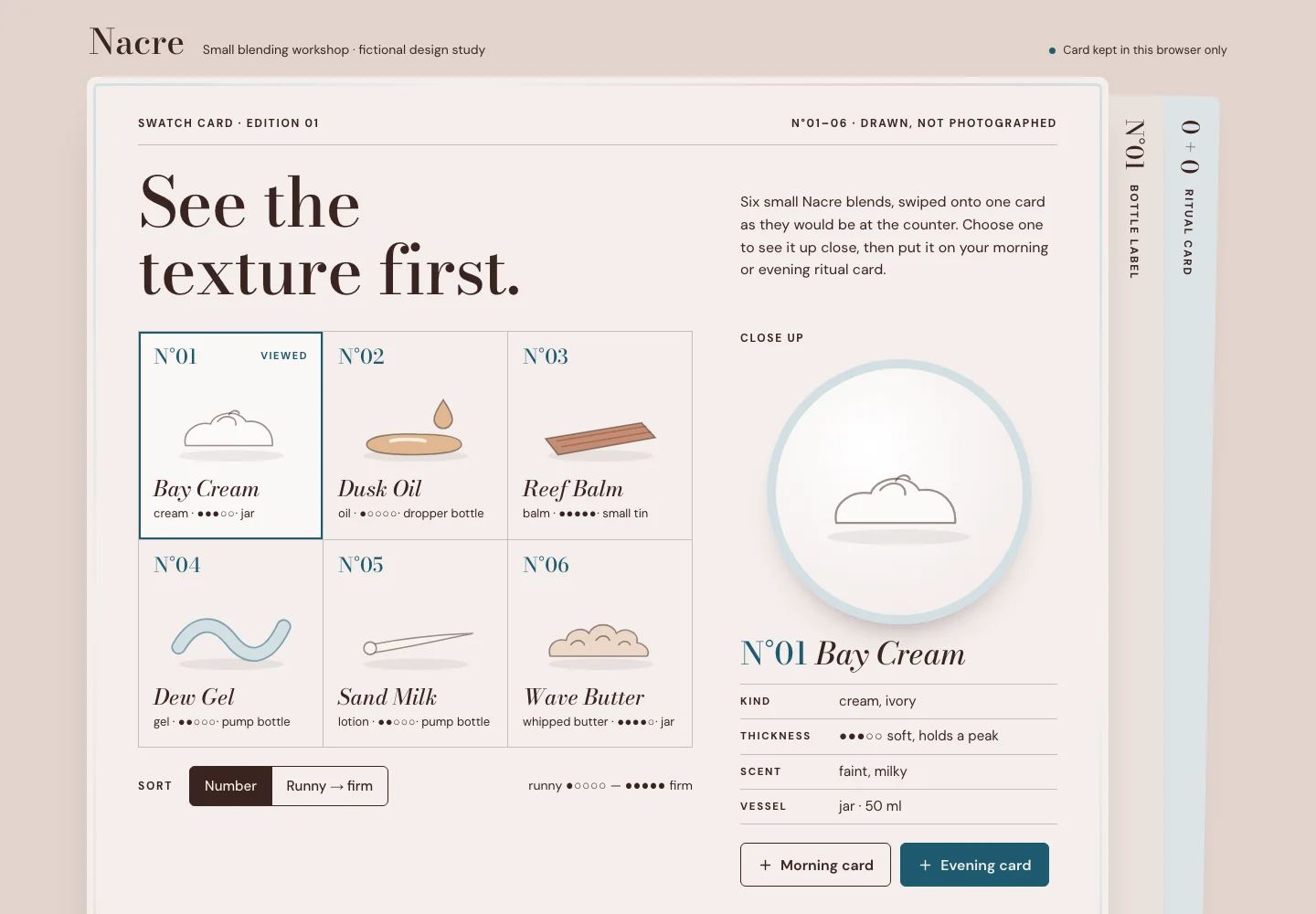 Nacre Rituals
Beauty rituals
See each texture before asking, then take home a ritual card.
For: Small body-care makers, refill shops and small salons, and the people deciding what to try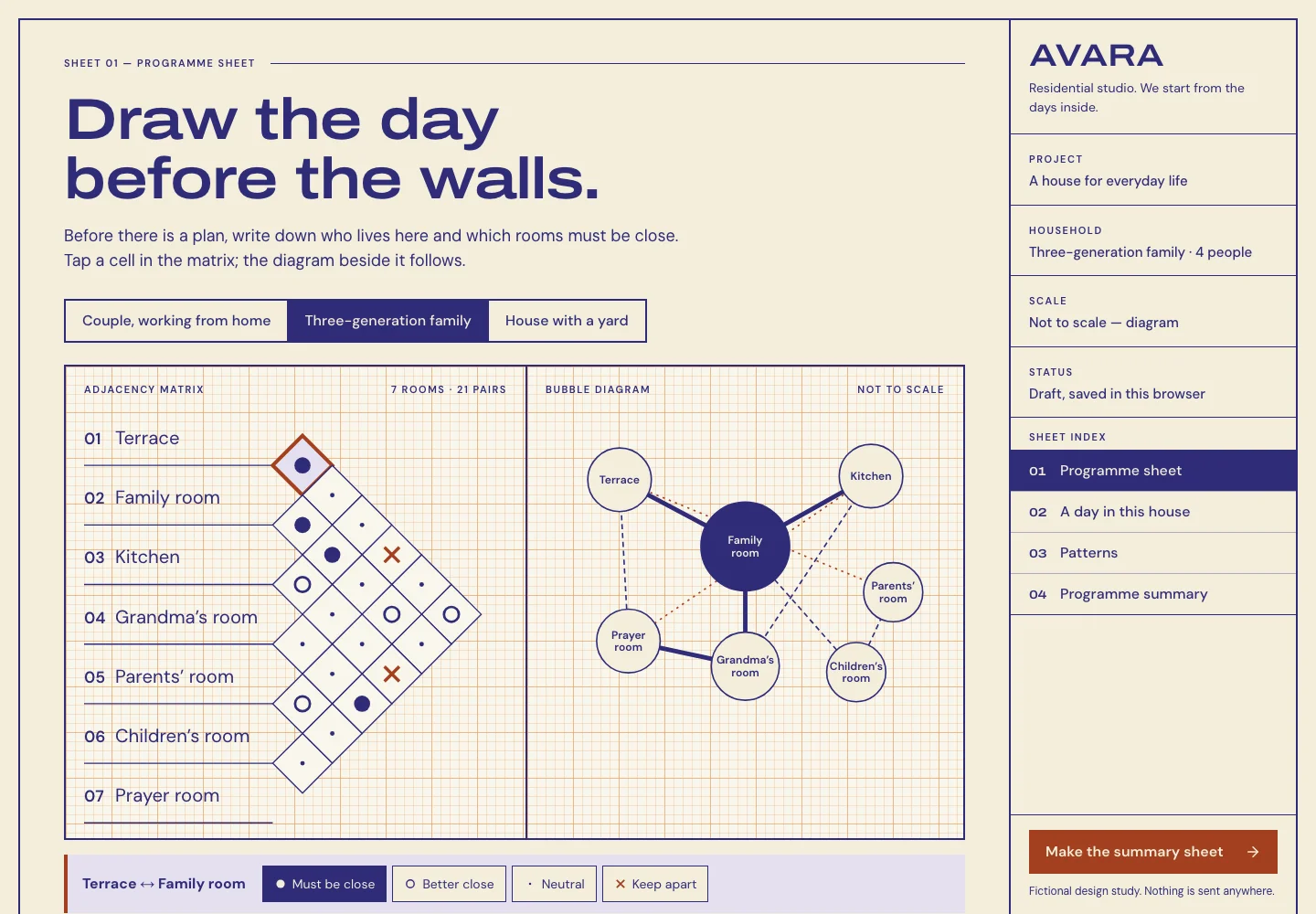 Avara Homes
Residential concepts
Write a household’s room programme before any plan is drawn.
For: Households preparing to build or renovate, before they meet an architect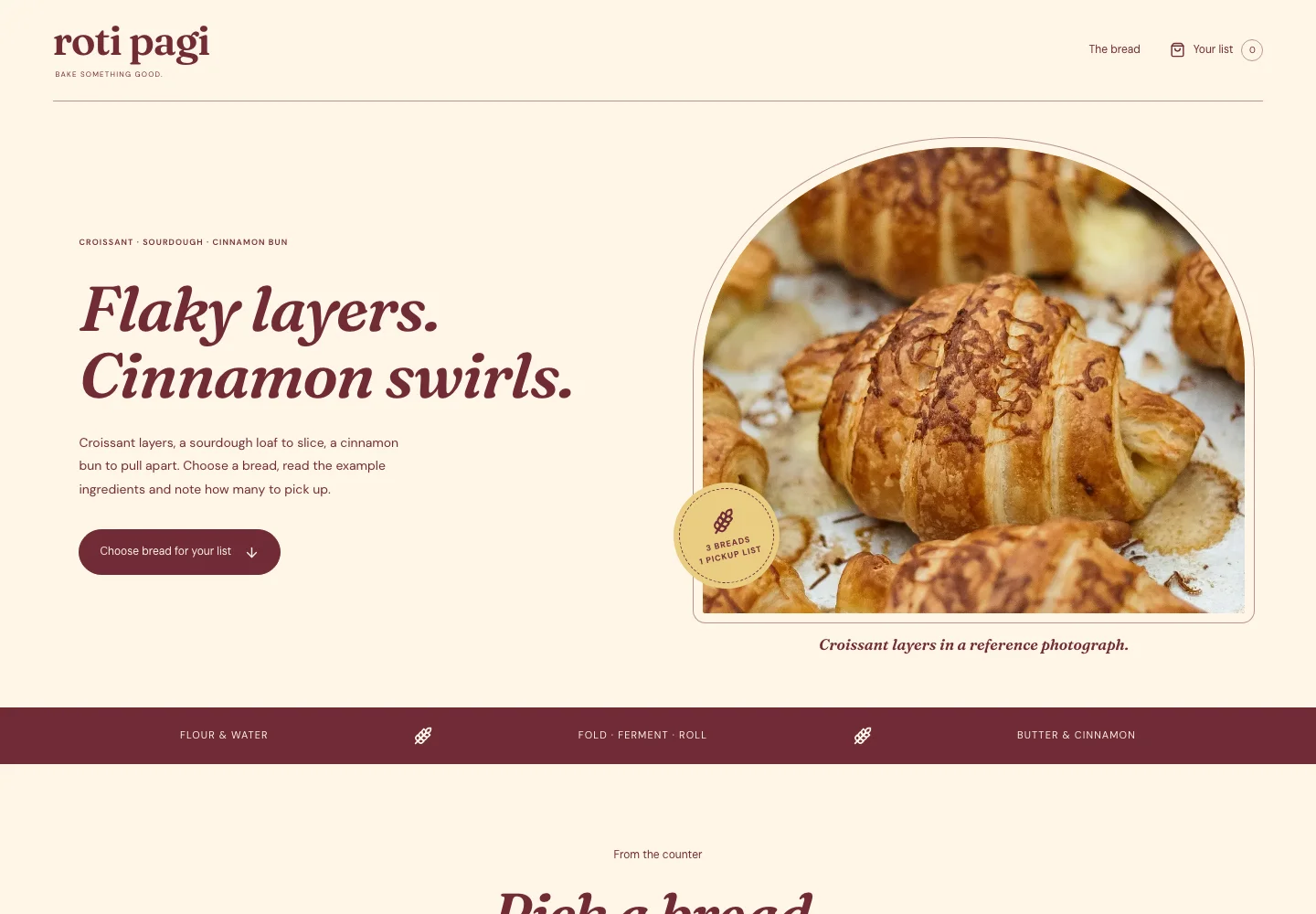 Roti Pagi
Bakery
Make the bread collection easy to explore and prepare a clear pickup list.
For: Local shoppers & pickup customers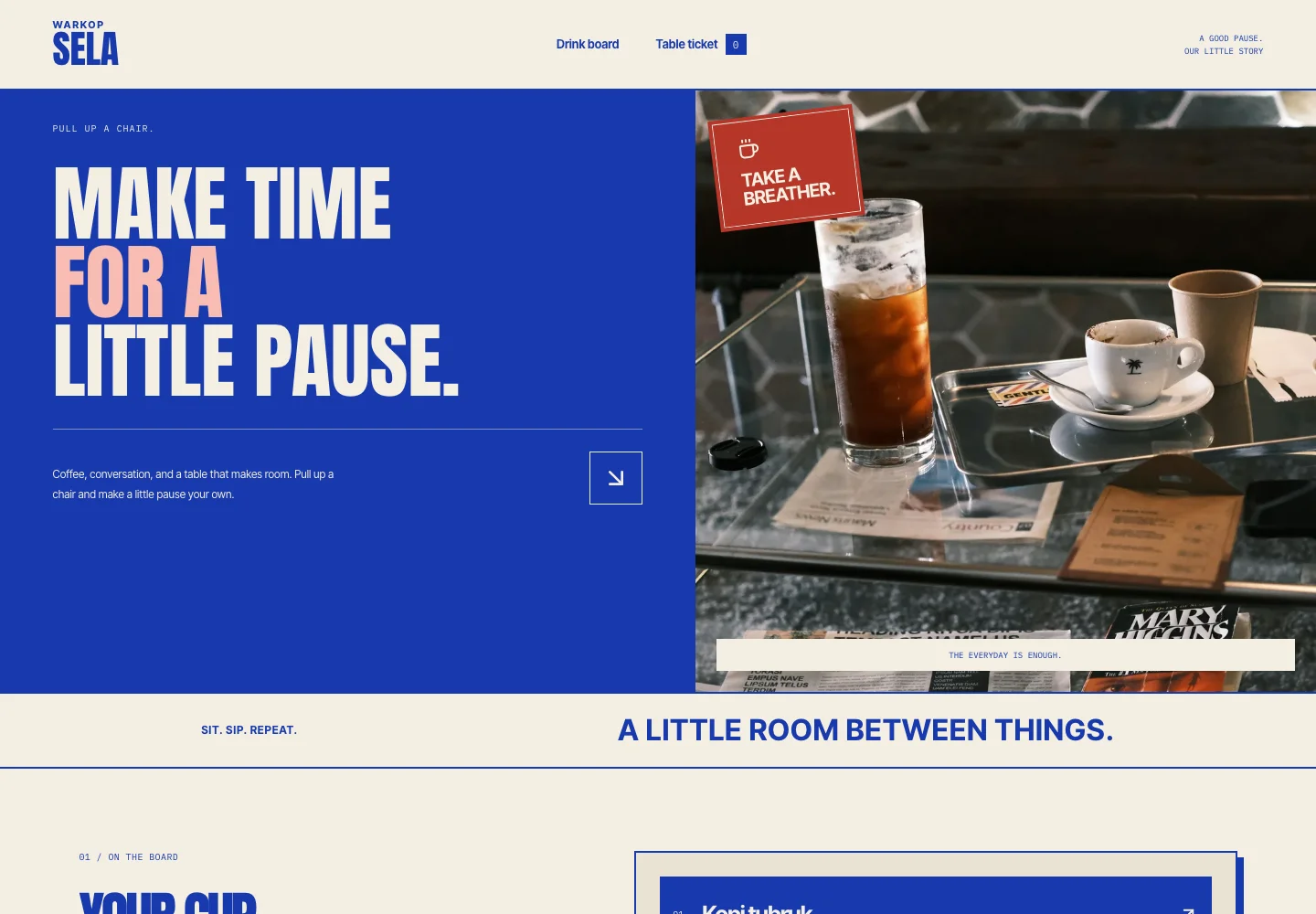 Warkop Sela
Coffee shop / warkop
Show the menu character and help people put together their drink choices.
For: Regulars, neighbors & people finding a drink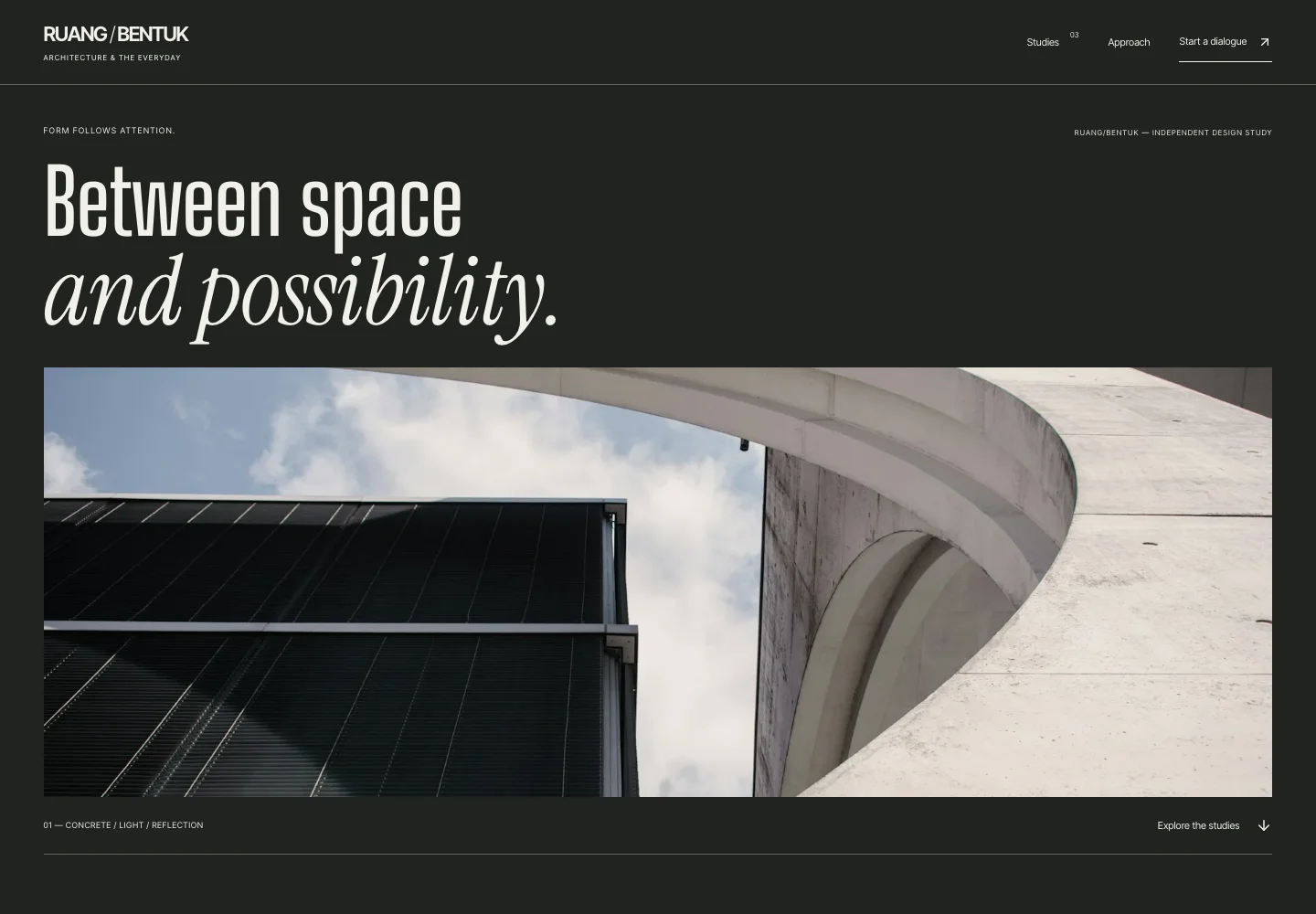 Ruang/Bentuk
Architecture practice
Let people inspect a practice’s spatial thinking before preparing a project brief.
For: Prospective clients & collaborators Luma Light
Product exhibition
Make form, finish and light inspectable before a product conversation.
For: Product studios & people inspecting form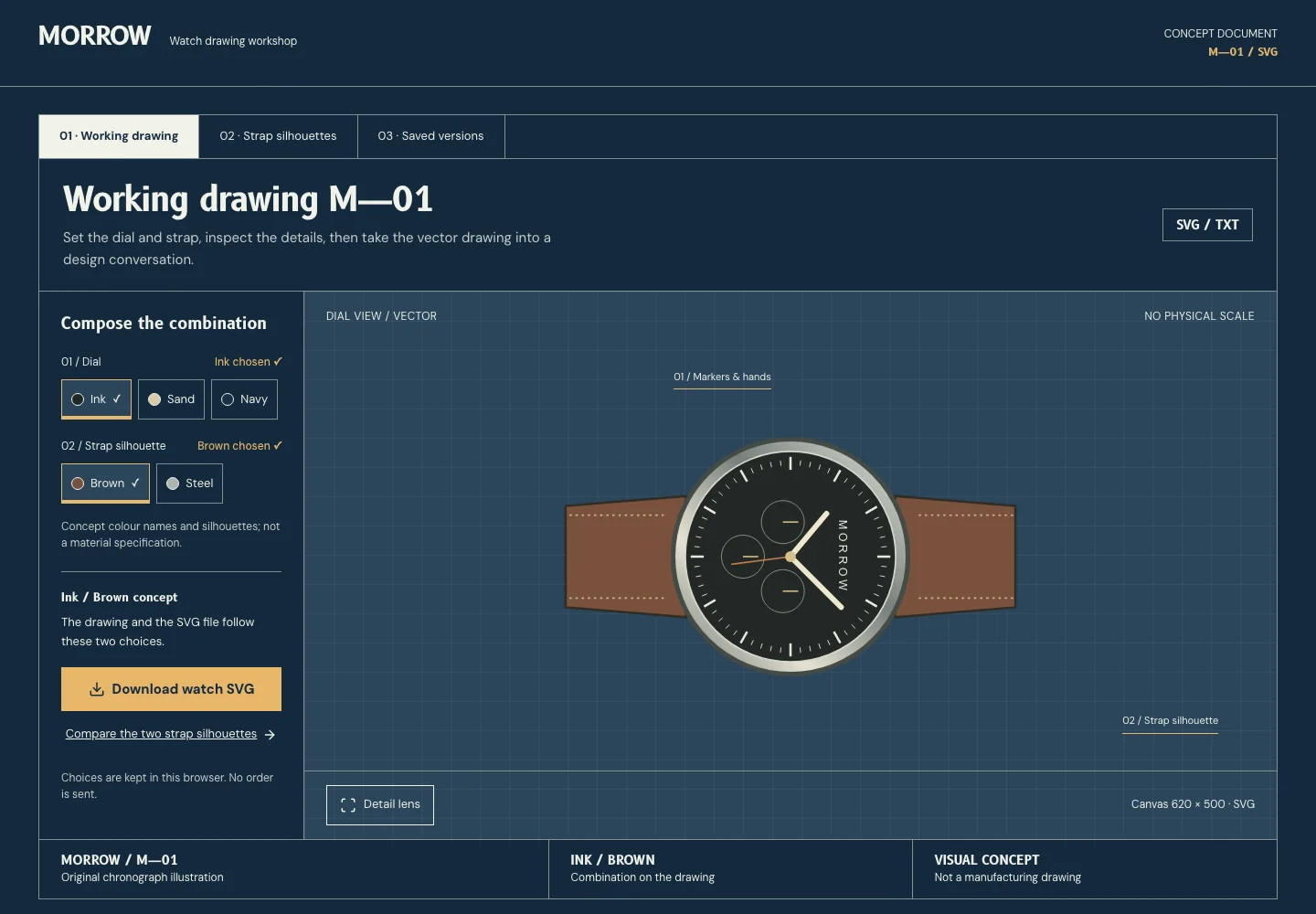 Morrow Watch
Watch drawing
Set a concept drawing’s dial and strap, compare them and take the vector into a design conversation.
For: Watch and accessory designers, and the people they draw for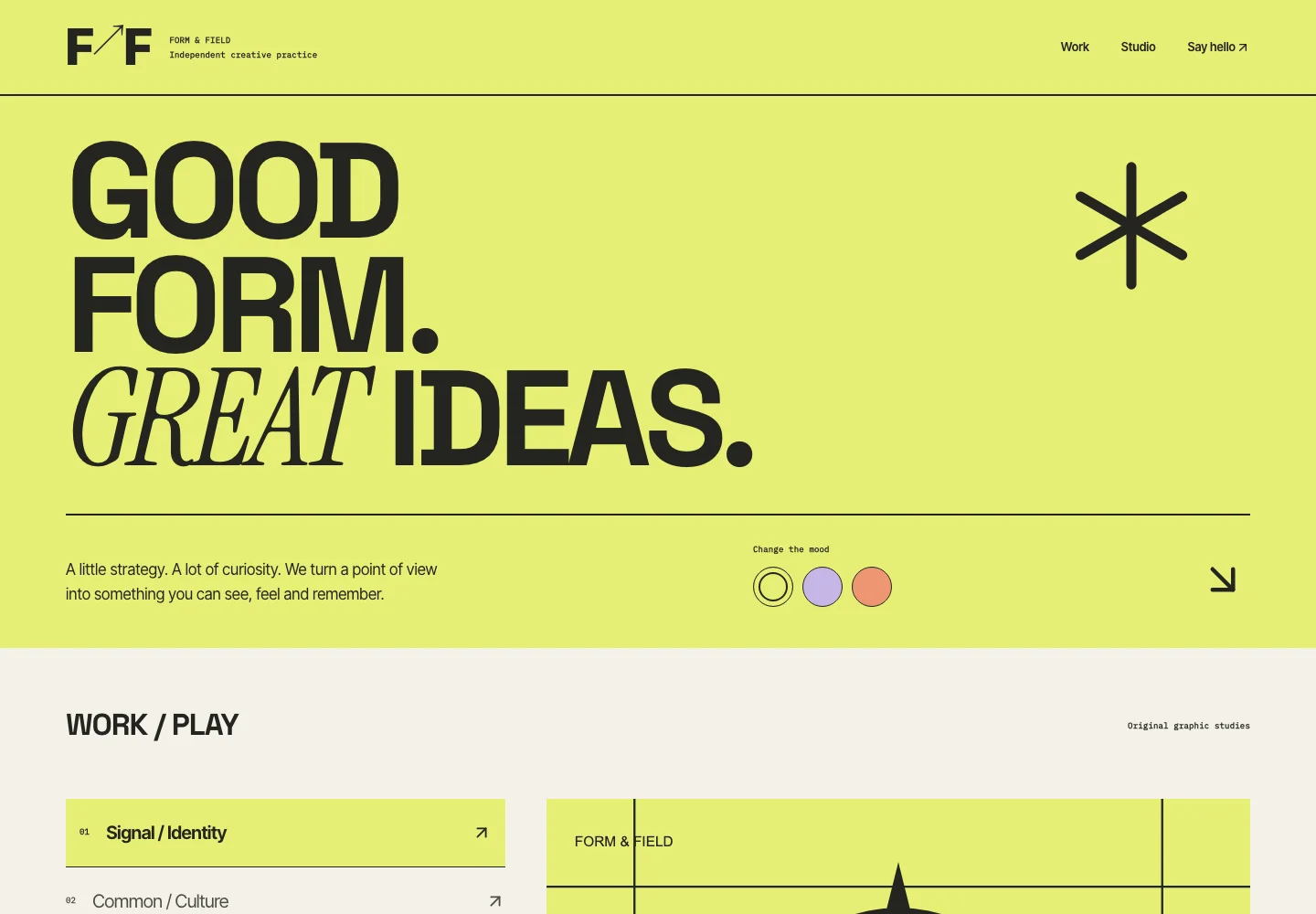 Form & Field
Creative studio
Give a creative practice a recognizable voice and a browsable project record.
For: Art directors & prospective collaborators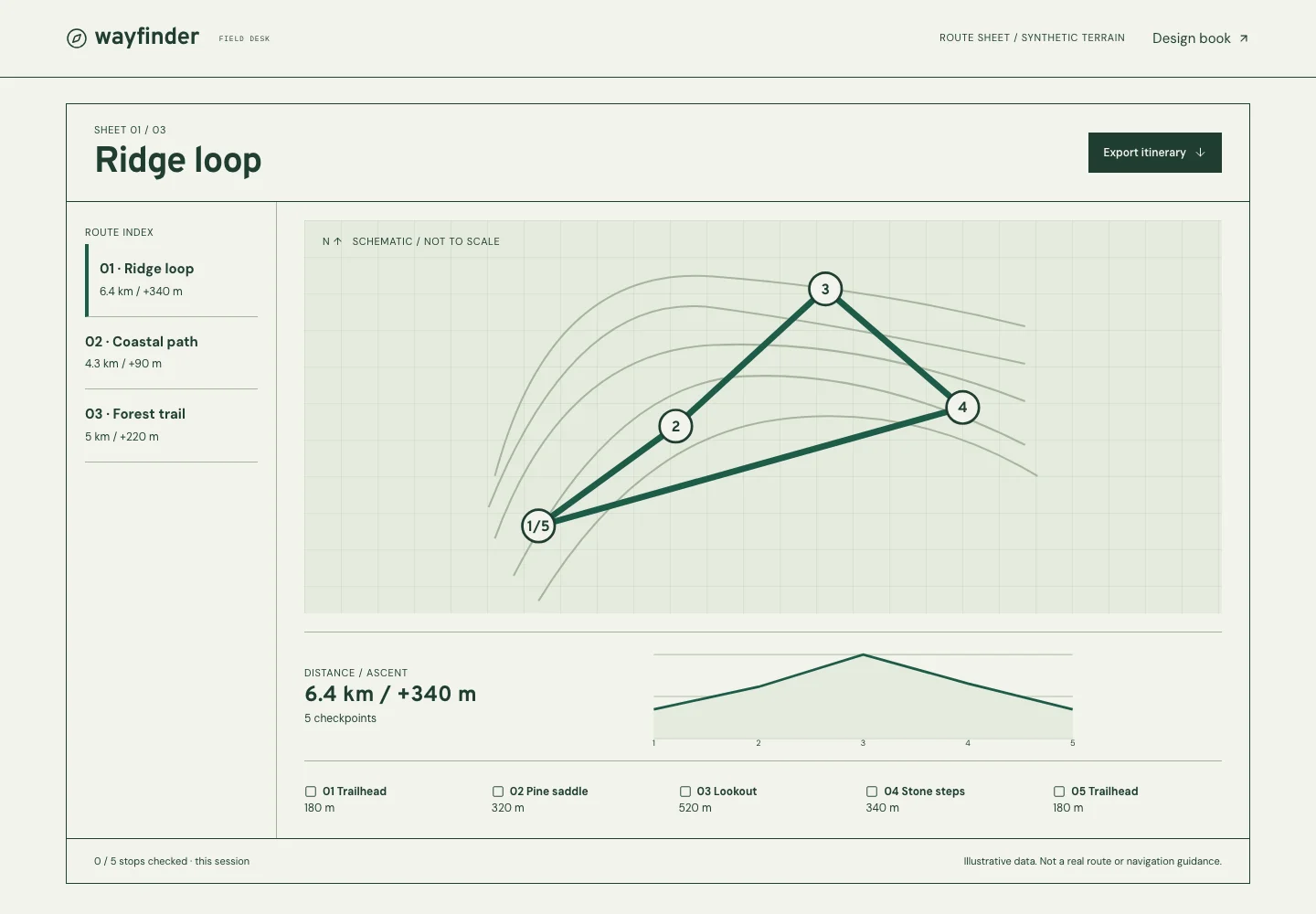 Wayfinder
Trip planning
Help people compare an itinerary and prepare a useful field note.
For: People preparing an itinerary Tidal Glass
Digital exhibition
Give visual work a clear frame and useful ways to inspect its material.
For: Visitors exploring visual work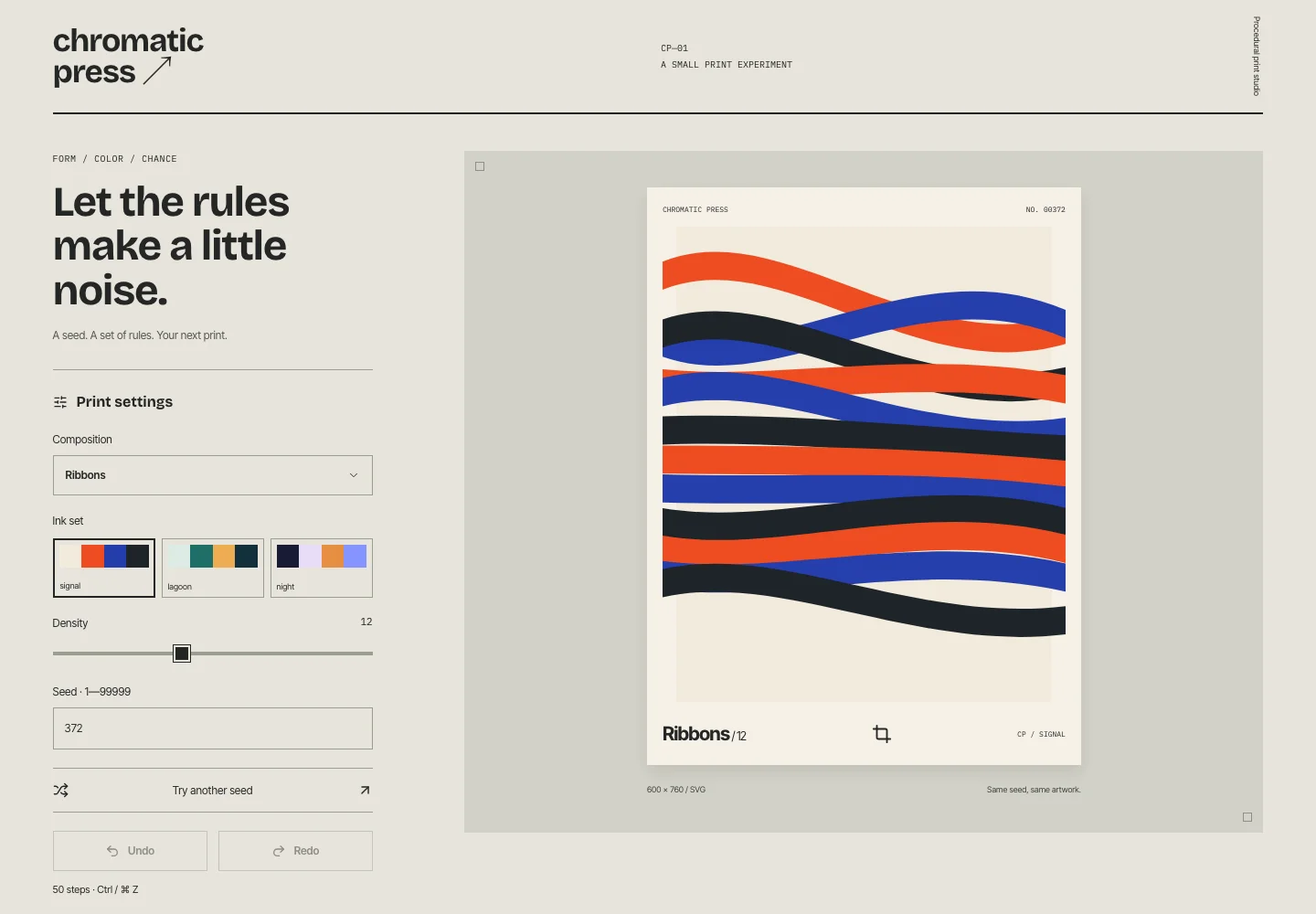 Chromatic Press
Creative tools
Turn a visual idea into something visitors can edit and export.
For: Designers, educators & visual makers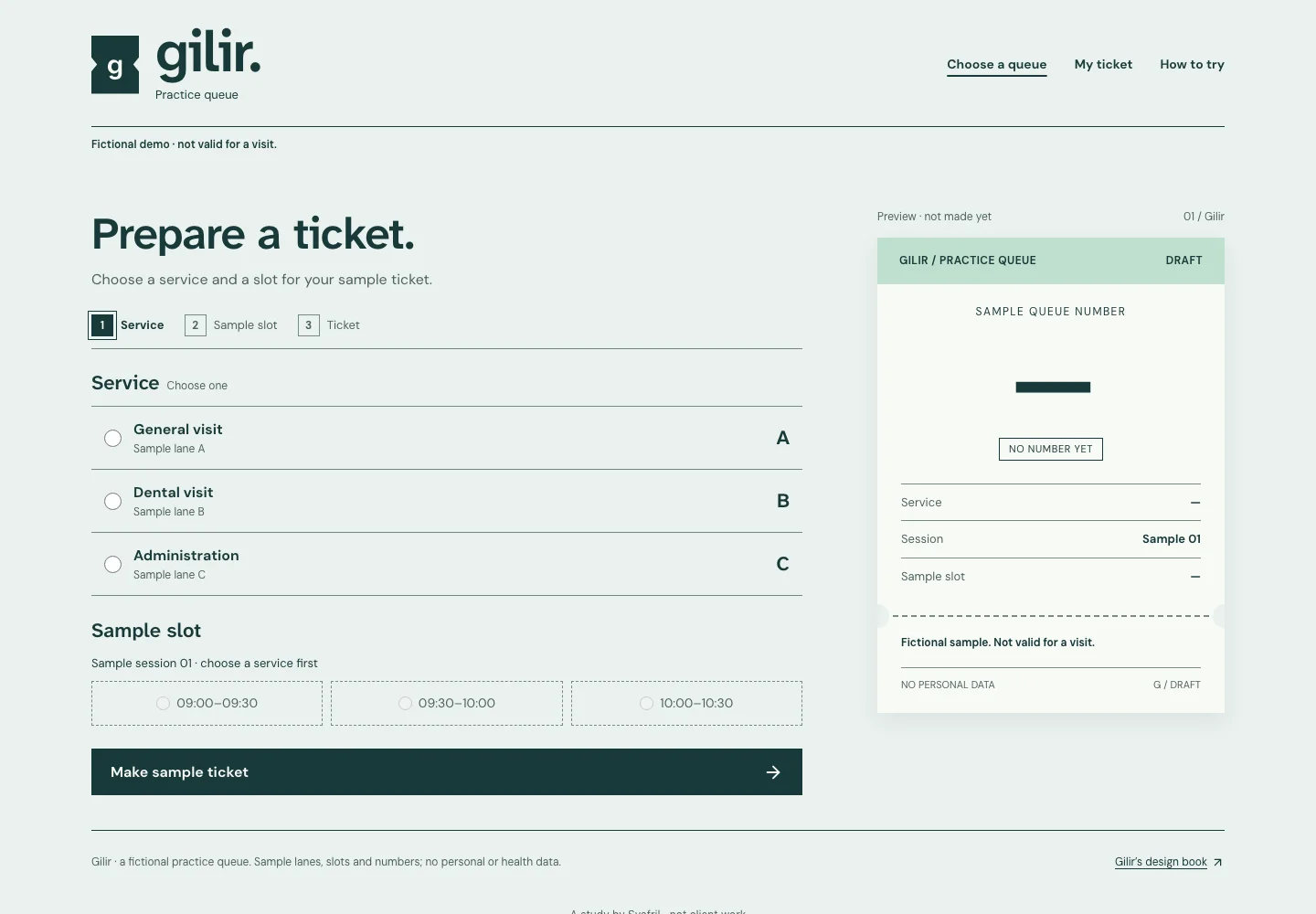 Gilir
Practice queue
Choose a lane and a slot, then keep one clear ticket — before any queue system exists.
For: Visitors to a small practice or service counter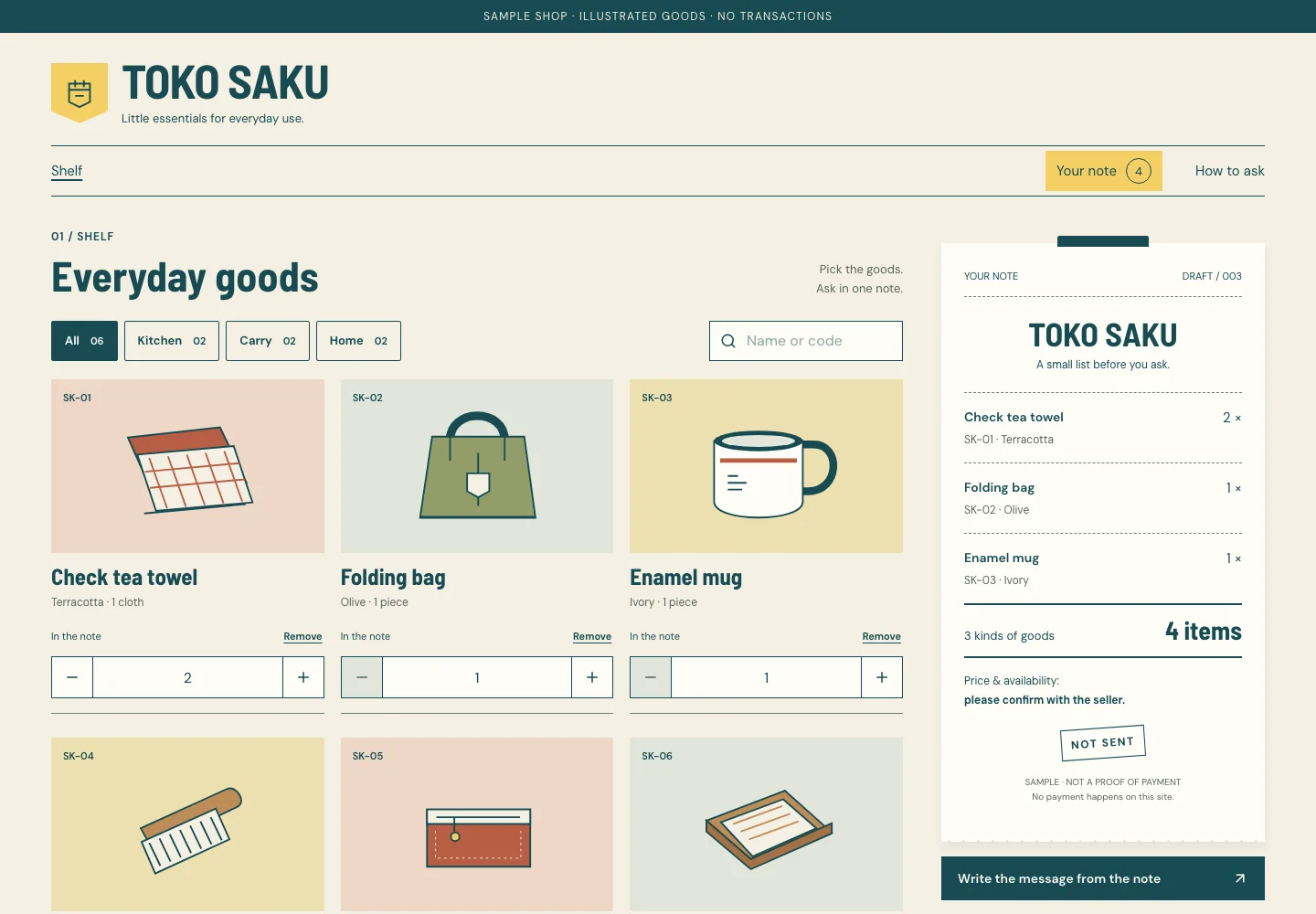 Toko Saku
Product catalogue
Pick goods and quantities, check one note, then ask the seller in one message.
For: Customers of a small shop that sells over chat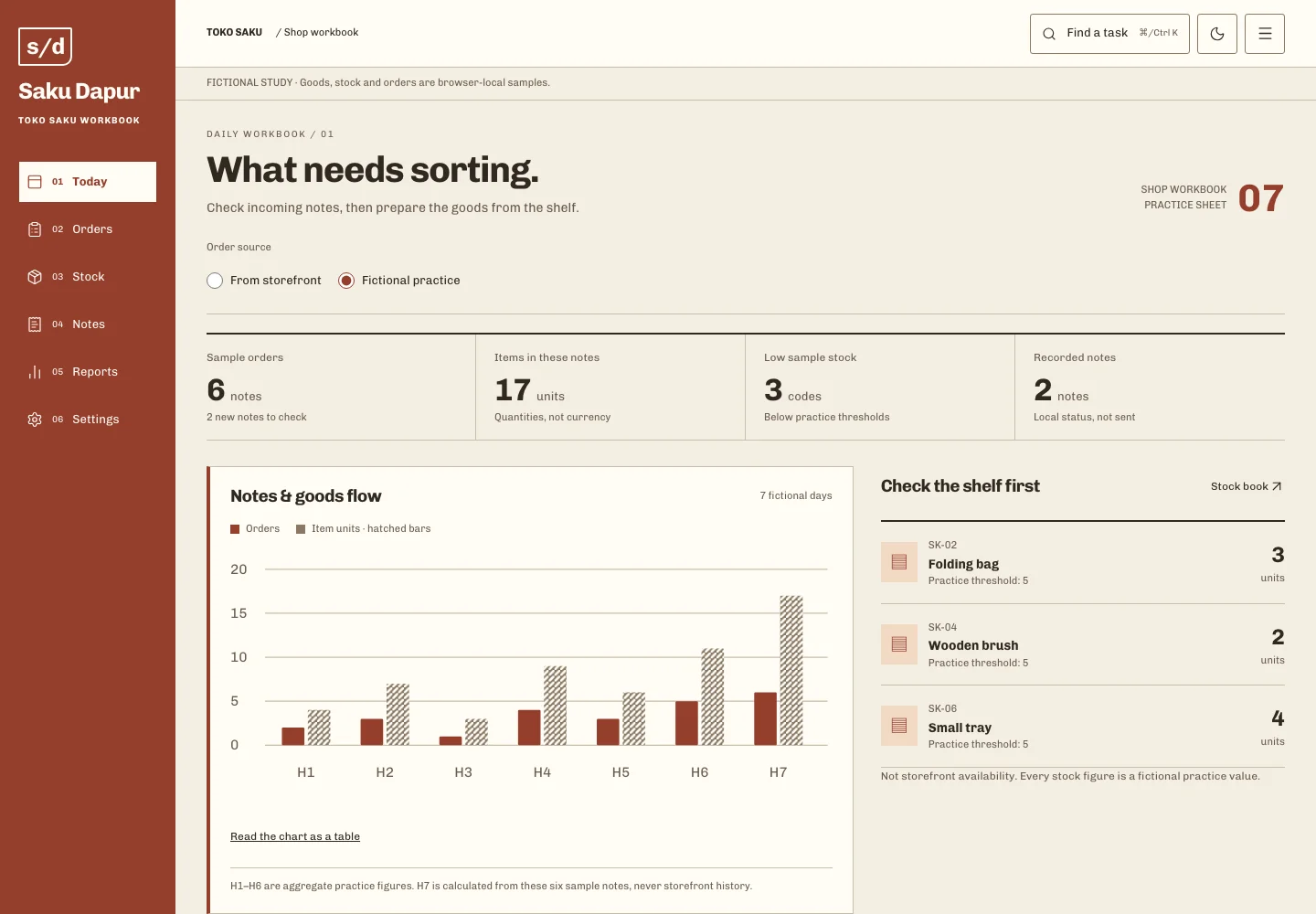 Saku Dapur
Shop workbook
Read the work behind a shop note: inspect samples, prepare notes, adjust practice stock and read daily counts.
For: The keeper of a small shop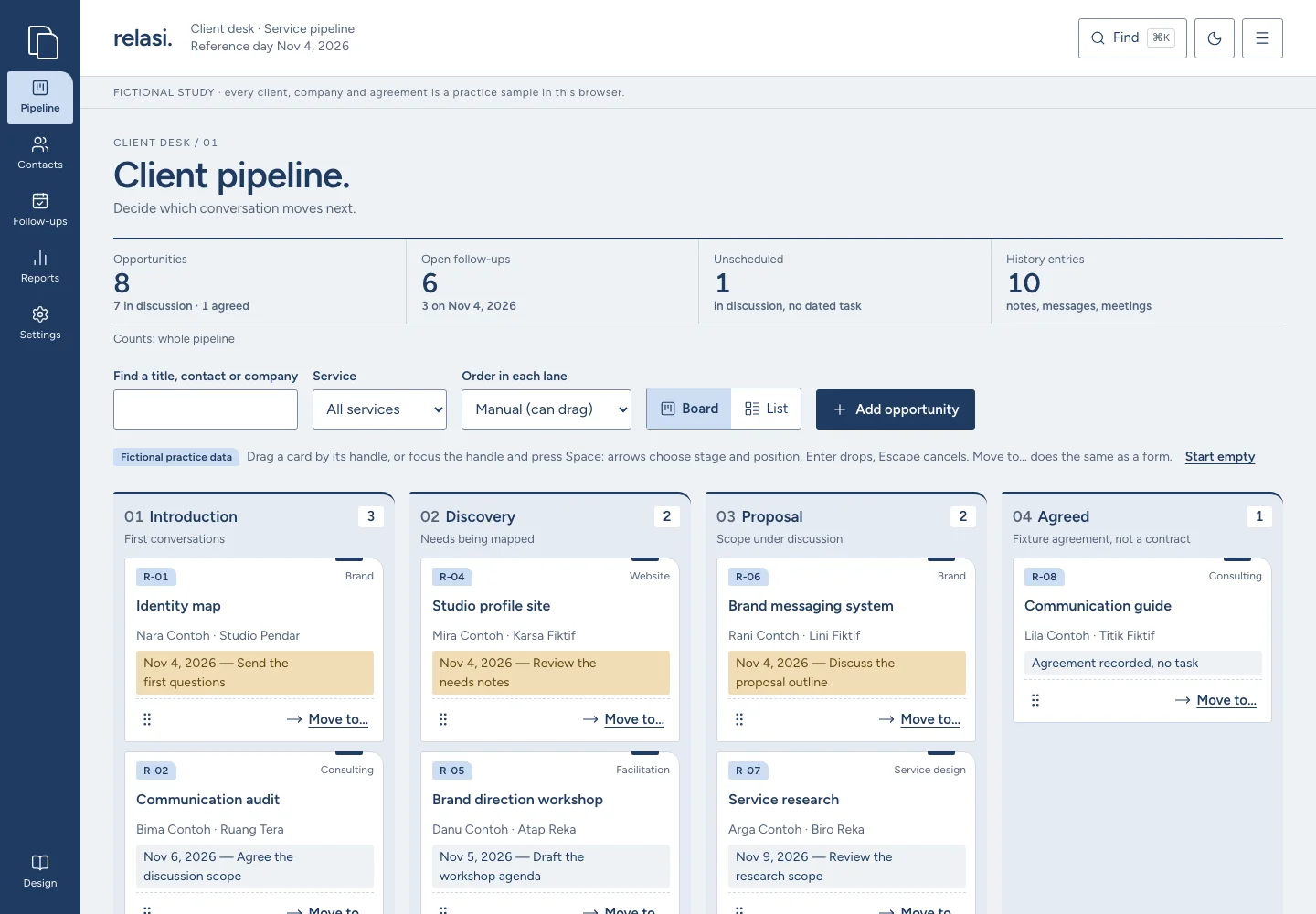 Relasi
Client desk
Decide which conversation moves next: move opportunities through stages, read a client’s history and keep one next step each.
For: An agency or consultant keeping client conversations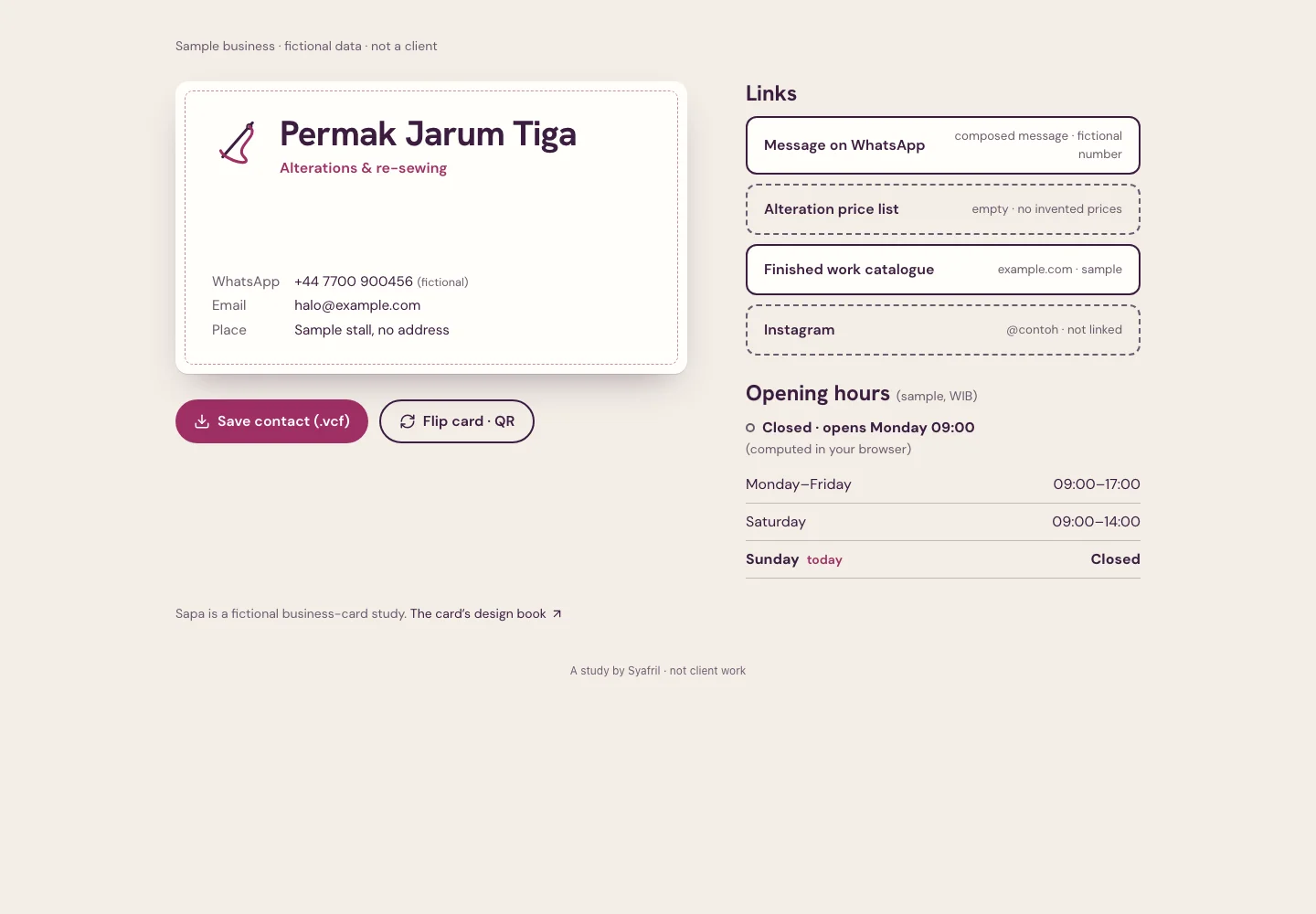 Sapa
Digital business card
Hand over one page instead of a printed card: who the trade is, how to reach it, whether it is open, and a contact to save.
For: Customers who meet a small trade and want to keep its contact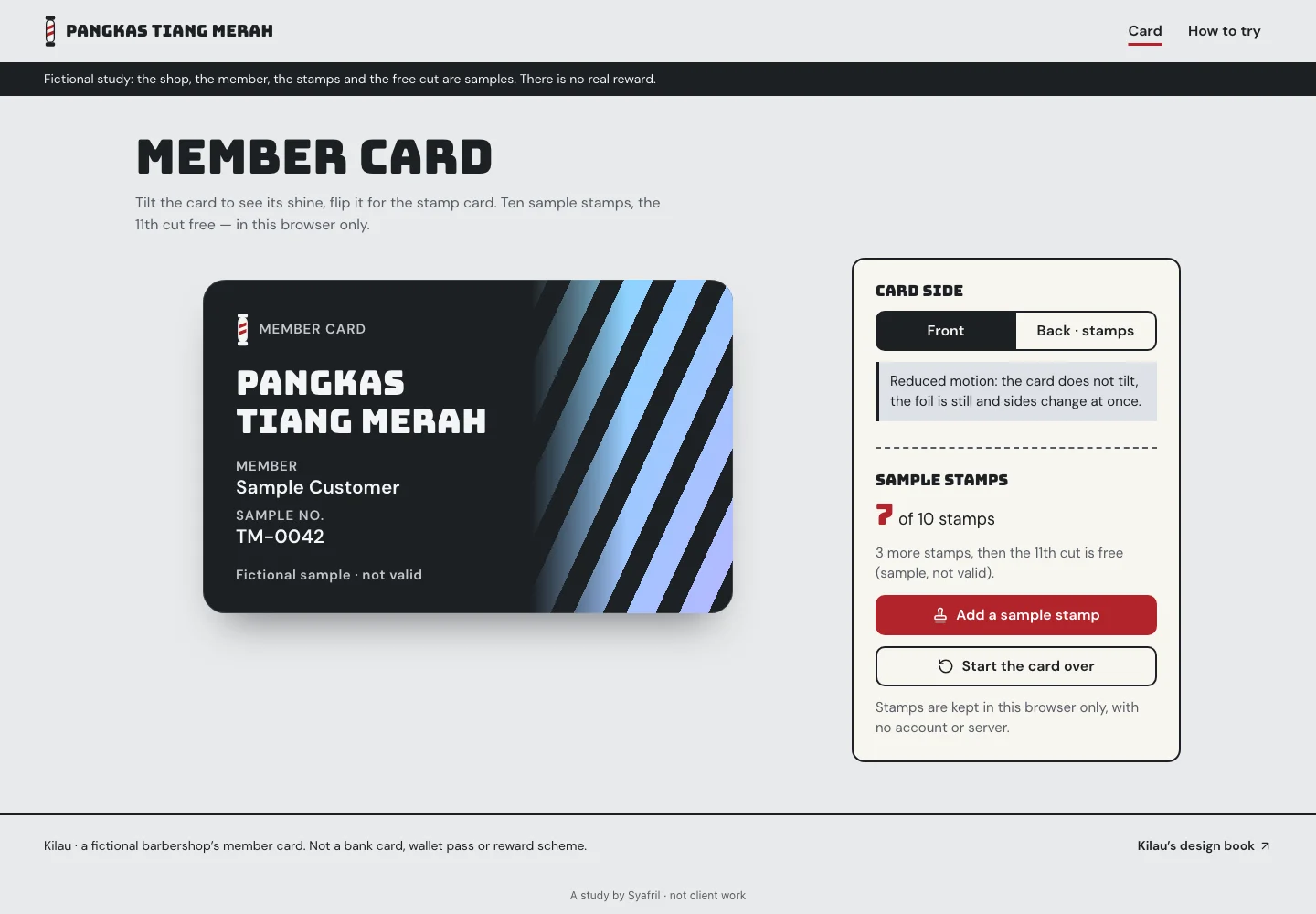 Kilau
Member & stamp card
Keep a stamp card on a page instead of in a wallet: which shop it is, how many stamps, what the next free visit is — with nothing that looks like a bank card.
For: Regulars of a small barber, salon, laundry or café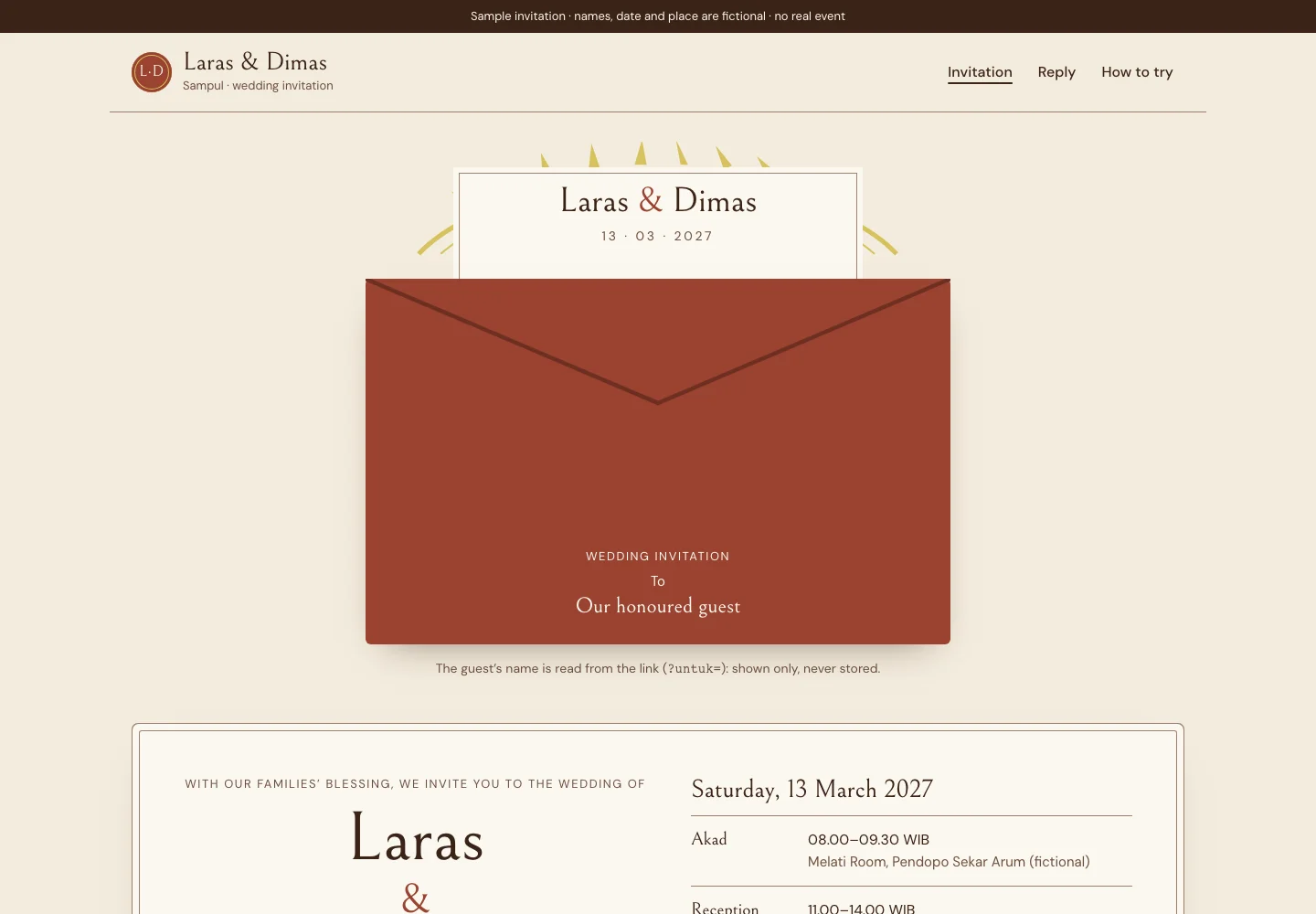 Sampul
Wedding invitation
Send each guest an invitation addressed to them that reads like a printed card — names, date, place, how to get there — and let them answer in a message they send themselves.
For: Couples and families sending a wedding invitation to their guests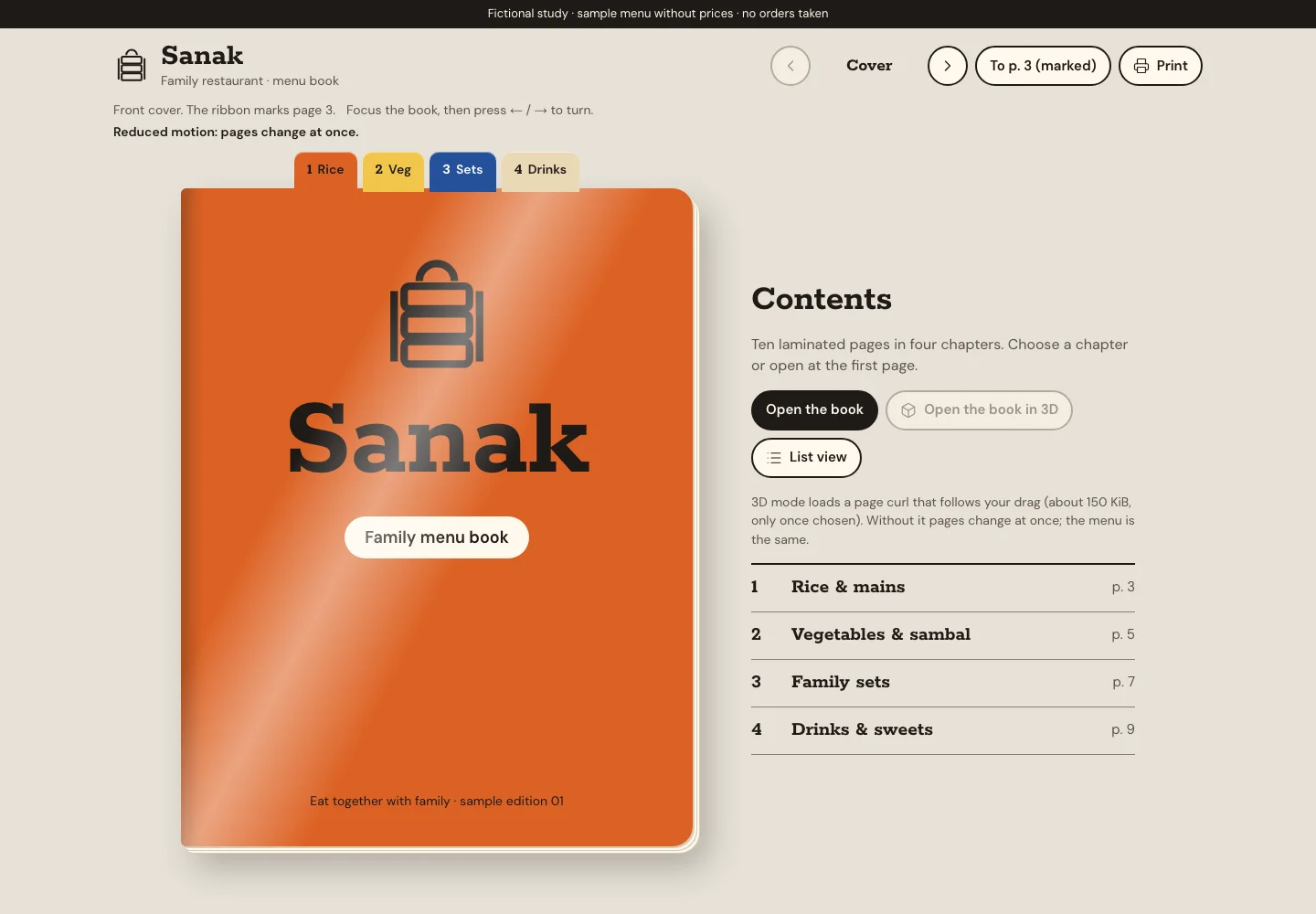 Sanak
Restaurant menu book
Put the menu book from the table on the web: read by chapter, shared page by page, printed again — with prices the restaurant fills in itself.
For: Family restaurants, home caterers and warung with a printed menu book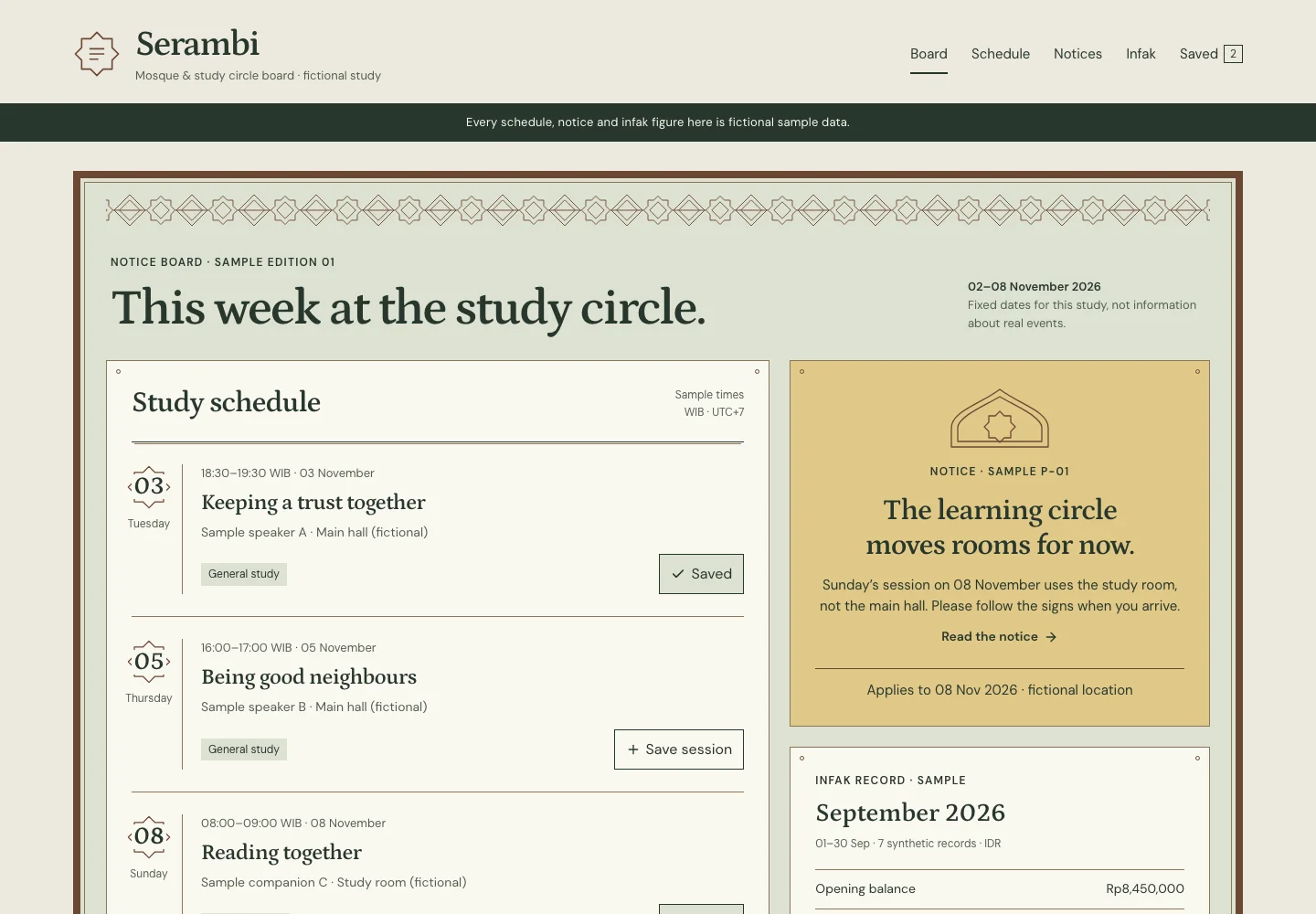 Serambi
Mosque & study circle board
Find this week’s sessions, see what changed, keep a few, and read where the infak went.
For: The congregation of a small mosque or study circle