Roti Pagi: Roti Pagi
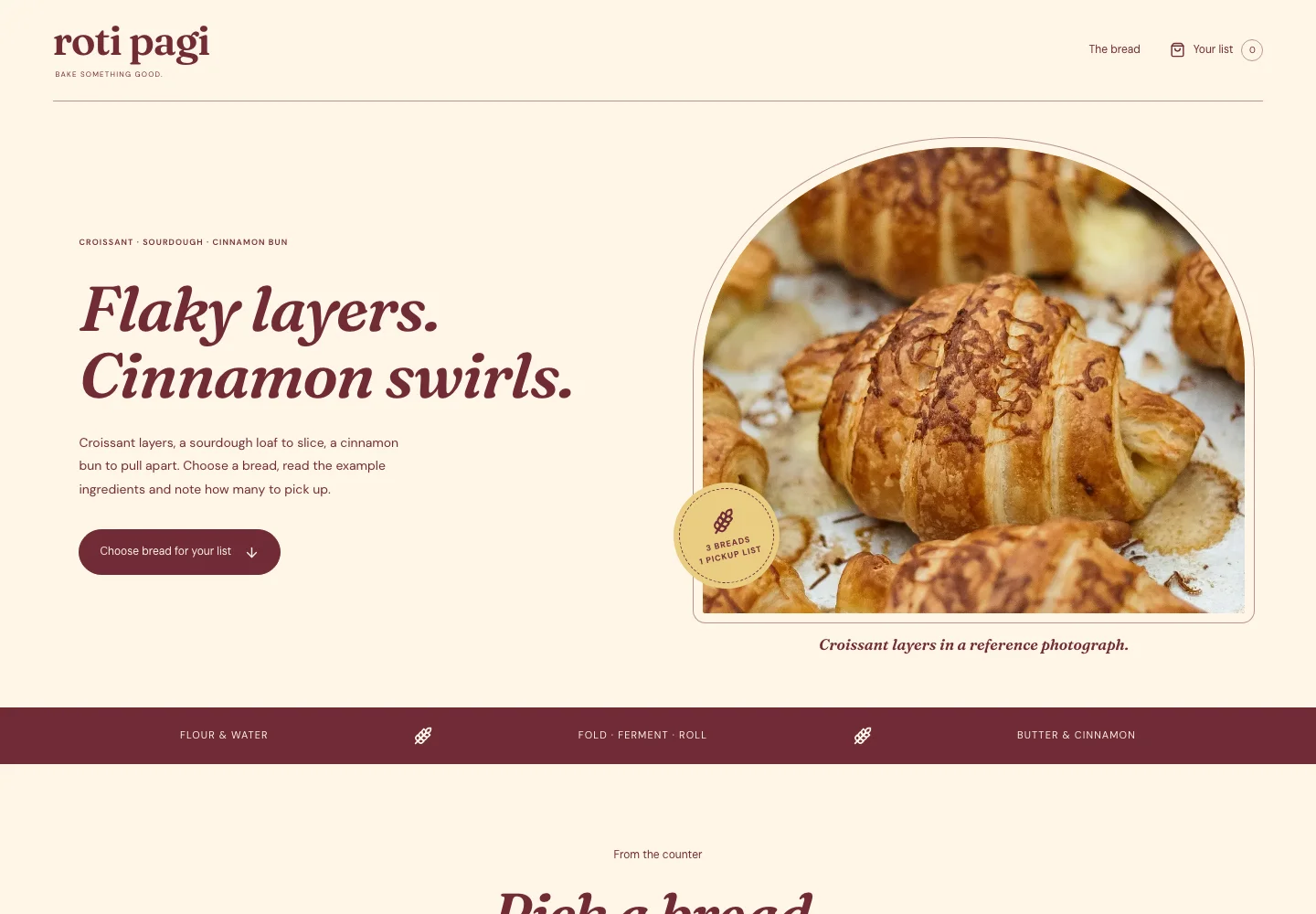
Croissants, sourdough and cinnamon buns, counted on one pickup list.
FrauncesTry it out
THE WEB COLLECTION / WEBSITE INTERFACE
The design system for browsing this catalogue: its navigation, cards, filters, comparison tools and saved designs.
Read the guideCHAPTER 01
Etalase: the catalogue is a row of shopfronts. The frame is the building — black, white and one vermilion accent — and its loop mark hangs on the fascia of every catalogue page, in the footer and as the browser icon. Each theme hangs its own sign in its own type and colours. Pick a shop, put your brand on it. The original Syafrilverse asset identifies the maker.
CHAPTER 02
These are the live semantic tokens of the frame; they follow the light and dark themes. The frame never borrows a theme colour: colour on this site belongs to the shop signs, which keep their own palette in both themes.
--bg--fg--muted--line--accent--fasciaCHAPTER 03
IBM Plex Mono is the frame’s voice: headings, labels, shop numbers and controls, like a building directory. Inter Tight carries reading text. Each sign is set in the theme’s own display face from its content file. All faces are OFL and served from this site.
ABCDEFGHIJKLMNOPQRSTUVWXYZ
abcdefghijklmnopqrstuvwxyz 0123456789
Compare the composition, open the working demo and save a design to revisit later.
CHAPTER 04
Every shopfront has the same anatomy: sign, awning, window, then the record. The homepage street hangs four shops per row on a desktop, three on a tablet and two on a phone, so the work fills the first screen; catalogue cards take three, two or one. Windows hold real captures, square to the page.
8px16px24px40px64pxCHAPTER 05
This is the actual catalogue card. Roti Pagi’s sign, awning and window come from its content file and capture; the ink frame, record line, save action and links belong to the catalogue.
Croissants, sourdough and cinnamon buns, counted on one pickup list.
CHAPTER 06
Named Lucide icons accompany navigation and controls, with a 1.6 px stroke and 16–20 px sizes. Icon-only actions have accessible names and contextual help.
CHAPTER 07
Hover and focus turn a shop’s frame vermilion; nothing zooms or slides. Save actions show their state immediately and filtered results settle in briefly. Reduced-motion preferences remove positional movement. No automatic slideshow or scroll takeover.
Visible focus, readable contrast and complete labels are part of the interface. Selects and tooltips support keyboard interaction, including Escape and focus return.
CHAPTER 08
These select, tooltip and scroll-area specimens use the same primitives as the catalogue. Demo books apply their own visual contracts to the shared interaction behavior.
Used for filters, sorting, theme and comparison choices.
Component inventory (scroll to inspect)
The website’s brief builder uses these scoped input, textarea, checkbox, validation and feedback styles. It preserves selected design references, previews the text and exports a real file.
Try the website brief builderCHAPTER 09
Choose a screen type, then open a working example in its own theme. A page can serve more than one task.
Choose Empty, Error, Loading or 404 in the gallery tabs.