The idea
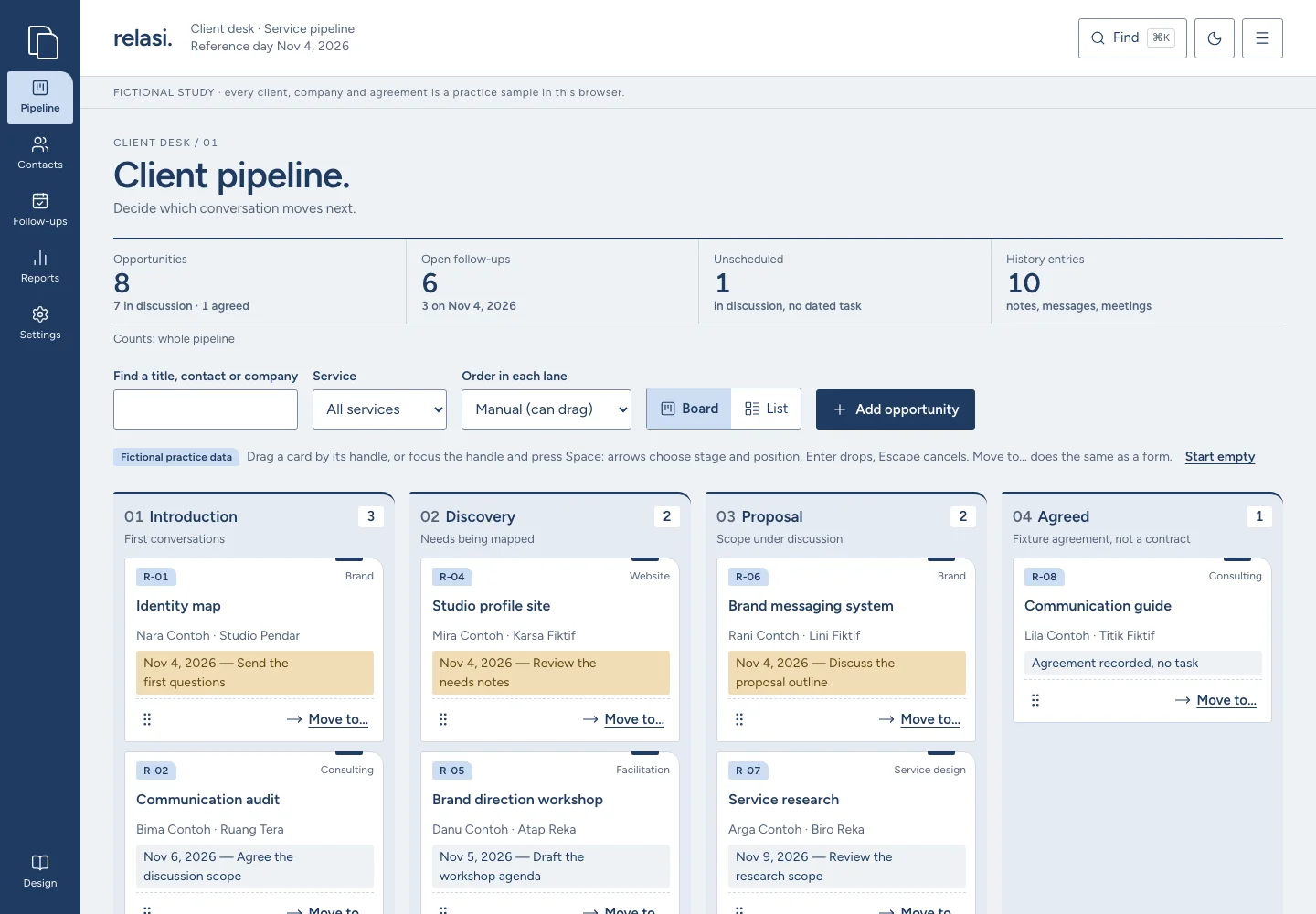
A relationship is kept in a folder, not a dashboard. Relasi’s artifact is the client file: a contact sheet, opportunity cards with an index tab, a history spine and a follow-up slip. The opening is the pipeline itself — Introduction, Discovery, Proposal, Agreed — so the first task is deciding which conversation moves next.
Visual language
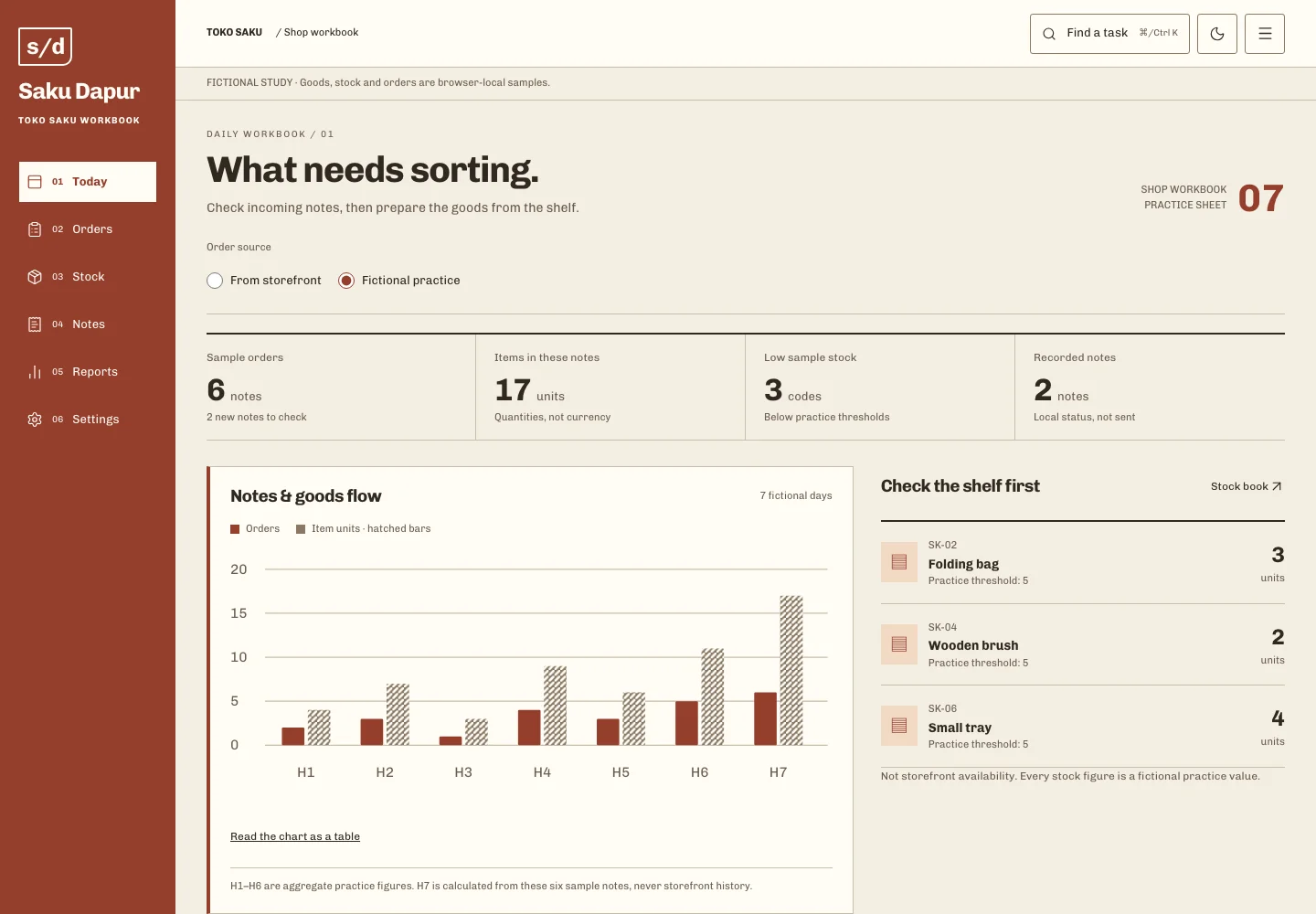
Ink blue, pale blue paper and a wheat marker for the reference day. A compact 88px ink rail and folders with a stepped tab edge set it apart from the brick book index of Saku Dapur. Cards have a 14px index-tab corner and 3px elsewhere; no photo avatars, stacked statistic cards or gradients.
Typography
Figtree 600 sets the wordmark, titles, lane numbers and counts; Figtree 400 carries cards, tables, labels and reading text. Both are static Latin WOFF2 files, one weight per file, with tabular figures and no synthesized bold or italic. Commissioner 600 stays an unused recorded fallback.
Layout & composition
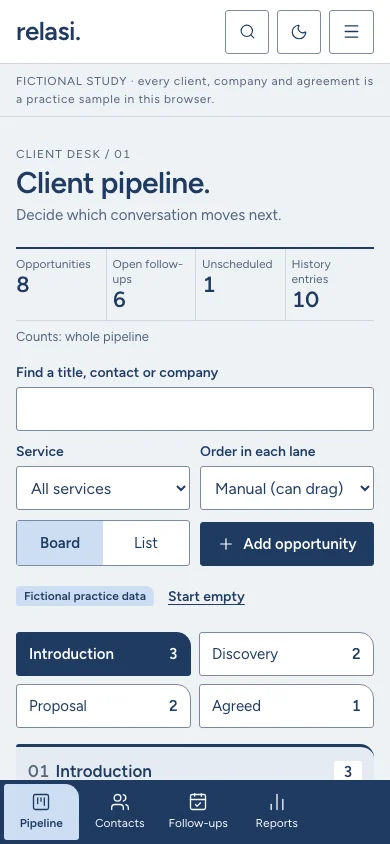
Ink rail, a white header with the desk name, the fictional-study line, then the task. The pipeline opens with a ruled summary strip and four numbered lanes; from 701 to 1100px the board is two by two, and on a phone a labelled stage picker shows one lane with a four-way bottom navigation. A contact opens as a full client file with a 310px follow-up margin.
Motion & interaction
A lifted card follows the pointer without spring or tilt; a dropped card settles within 160ms and the detail drawer slides within 180ms. Both disappear under reduced motion, which is read live. No confetti, sound or shimmering skeleton.
Under the surface
Static bilingual App Router pages. One versioned record, collection-relasi-crm-v1, is validated with zod/mini on every read and before every write: 64 KiB before parsing, 20 contacts, 20 opportunities, 60 history entries and 20 tasks, strict objects, calendar dates and relational checks. Drag, keyboard and the Move to… form share one pure domain reducer; another tab’s change is offered, never applied silently.
Designed for everyone
Lanes are headed sections with ordered lists of cards. A card is carried from its labelled handle with Space or Enter, arrows choose stage and position, Home/End jump, Enter drops and Escape returns it; every step is announced in words. Move to… is always available as a form. Dialogs trap focus and restore it, forms focus the first invalid field, tables keep captions and sort state, and both colour modes keep text at 4.5:1 or more.
Inside the experience
- Four-stage pipeline with pointer, keyboard and Move to… moves
- Contact table and client file with a dated history spine
- Follow-up agenda: one next step per opportunity, reschedule or mark done
- Pipeline report with chart, source tables and an aggregate CSV
- Archive with a preset reason, restore, and one session undo
- Command palette, persistent feedback, two modes and local brand
A good fit for
- Small agencies and independent consultants who want to inspect a client-desk workflow before agreeing on a real CRM.